Updated 25 November from Wild Dog’s 21 November v0.1.87.20965 note, 19 November v0.1.84.20900 update and 13 November announcement. The last has v0.1.79.20515 in its feed title and v0.1.79.20528 in its body. Game changes are developer-reported; comparisons and team routines are editorial suggestions.
Your first check
The 19 November update adds the Glass & Beer Mug Shelf at level 1, a Display Case at level 8 and the Food Slicer at level 18. It also renames the Rice Bowl & Gyoza Plate Shelf to Side Dish Tableware Shelf and doubles its stated storage from 24 to 48 pieces.

Connect an unlock to the work it changes
The Level 9 Serving Staff Workstation concerns prepared-food delivery; the Level 12 Ticket Machine changes ordering and payment; the Level 14 dispenser lets customers fetch water when cups are supplied. None of these descriptions says that one appliance completes the other jobs. If bowls wait for an unfinished side, buying an order-taking machine does not itself finish that side. Start with the repeating delay you actually observe.
Plan the recurring supplies as well as the purchase
At Level 15, the Deep Fryer comes with a food-and-supply list: Karaage Chicken Pack, Fried Food Plate and Cooking Oil, plus lemon for cutting. Oil needs replacement as it gets dirty. The water dispenser needs cups. Keep these checks next to the equipment name on a shopping note. A purchase price alone cannot describe the ongoing work, and no measured payback period is supplied here.
Separate building options from service equipment
The November patch also adds a Pillar at Level 10, Hinged Counter at 12 and portrait/landscape Poster Stands at 17. Later levels add further decor. Their unlocks do not prove a service-speed or income bonus. Inspect the catalogue name and placement preview before buying; use the movement guide for relocating existing furniture, and the Level 35 reference for later ingredients and decorations.
Read the four unlocks as purchase availability
The 15 October equipment additions are available at the levels listed above. These are purchase thresholds, not free placements or a recommended spending order. Check the complete equipment name when comparing the catalogue: a shelf for ramen bowls is not the same listing as the combined rice-bowl and gyoza-plate shelf. The new extra-large monitor includes a stand in its name. Prices and dimensions are not supplied; the November shelf capacity is stated separately below.
Buy for a bottleneck you can identify
Look at the point where the next shift is likely to wait. Are supplies occupying an inconvenient area, clean tableware difficult to notice, or order information hard to read? Those observations can guide a choice among the new items. They do not establish that one upgrade is best for every restaurant. Keep enough context in your comparison to identify which item changed the workflow. If you move several stations at once, a later improvement cannot be attributed confidently to one shelf.
Use the current tutorial and placement information
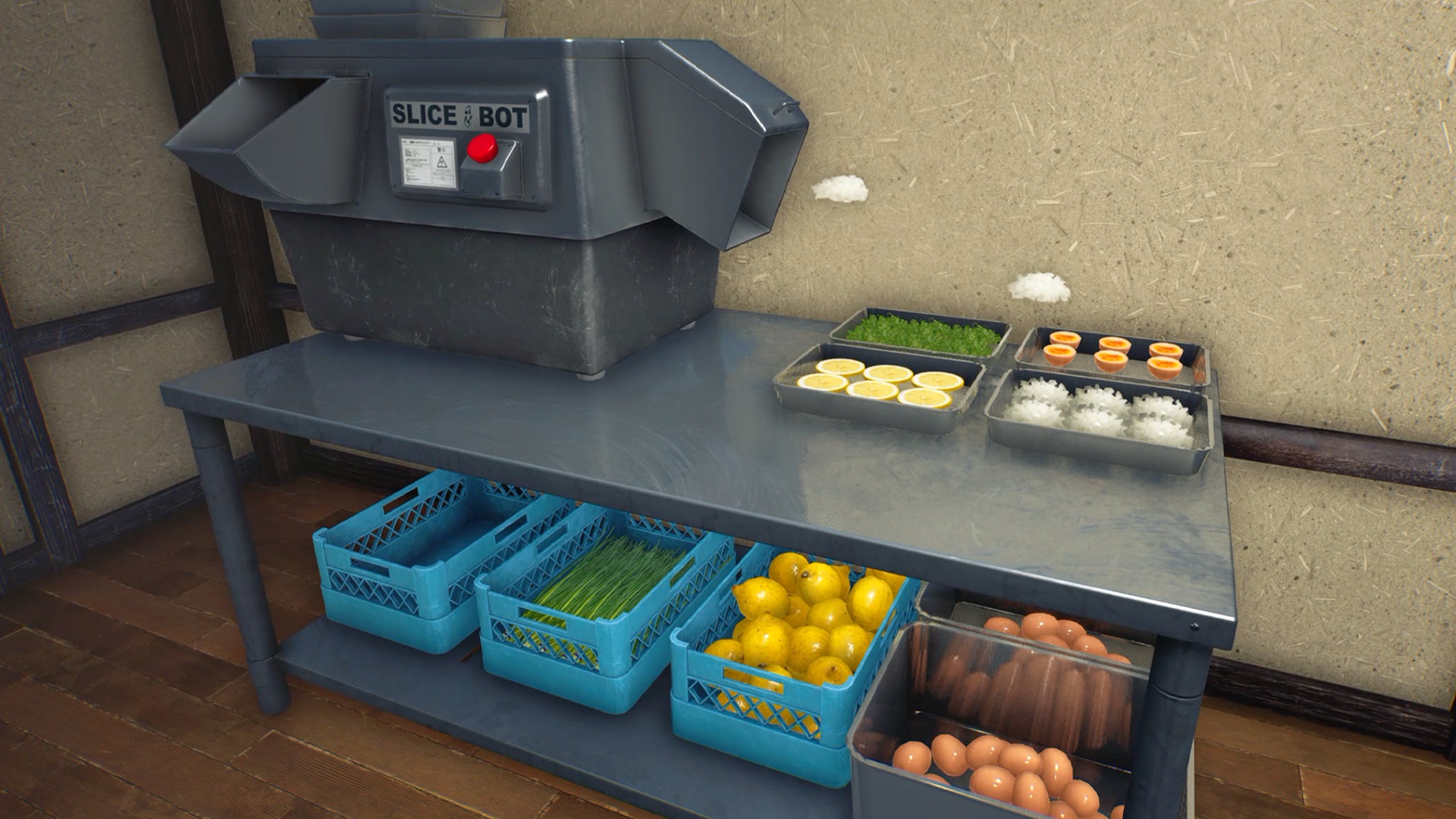
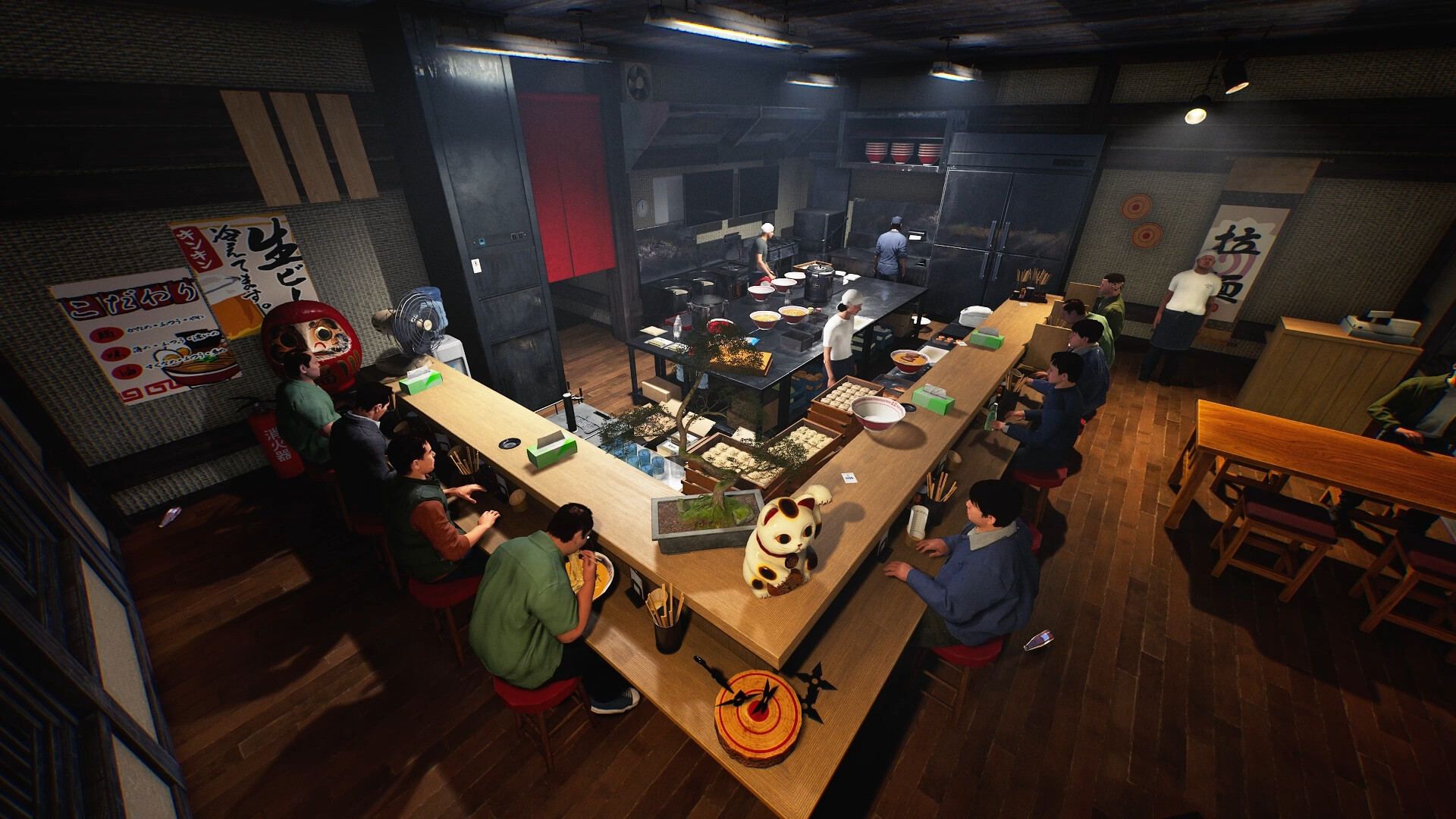
The building tutorial now asks for the Ramen Bowl Shelf. An older guide naming another shelf can therefore describe an earlier tutorial. When an object will not place or a purchase is locked, capture the displayed name, level and message. Do not confuse purchase eligibility with successful placement. In a shared restaurant, agree where supplies and tableware should be observed before adding new furniture. The accompanying preview images show the game's kitchen environment, not verified screenshots of every newly added item.
The three new purchases solve different problems
The glass shelf stores drink tableware; the Display Case has doors that open and close; the slicer processes ingredients after an empty Food Prep Tray and an ingredient container are loaded. These descriptions do not establish that the Display Case refrigerates food or that a slicer delivers meals. Keep it distinct from the Food Sample Display Shelf named in refrigeration fixes.
Plan around the new side-dish shelf name
Look for Side Dish Tableware Shelf where older guides say Rice Bowl & Gyoza Plate Shelf. The 19 November notes specify 48 pieces in total, with each tier able to hold Rice Bowls, Gyoza Plates or Fried Food Plates. That total is not a per-tier capacity and is not the amount a player can carry. If you are reorganising the station, decide which dish family each area will serve before buying duplicate furniture.
Keep a useful comparison
Use this sheet while you check the problem. Tick a row when you have recorded an observation, even if its outcome is still unresolved. Downloading creates a local text snapshot; it does not save your game or send a report.
| Check | What to record | Interpretation |
|---|---|---|
| Serving Staff Workstation | Level 9 | Food delivery; separate from dish clearing |
| Ticket Machine | Level 12 | Orders and payment; cash can be stolen |
| Self-Service Water Dispenser | Level 14 | Replenish cups |
| Deep Fryer and Karaage supplies | Level 15 | Oil maintenance and side preparation |
| Pillar / Hinged Counter / Poster Stands | Levels 10 / 12 / 17 | Building choices, not measured performance bonuses |
| Ramen Bowl Shelf | Shop Level 1 | New building-tutorial shelf |
| Small Refrigerator | Shop Level 4 | Capacity and price not verified here |
| Side Dish Tableware Shelf | Shop Level 10 (original unlock) | Renamed; 48 pieces total since 19 November |
| Order Monitor with Stand (Extra Large) | Shop Level 10 | Read the full catalogue name |
| Glass & Beer Mug Shelf | Level 1 | New drink-tableware storage |
| Display Case | Level 8 | Openable doors; no refrigeration claim here |
| Food Slicer | Level 18 | Empty tray plus ingredient container |
Watch the game in motion
These videos provide context for the kitchen and shop. Their presence does not verify the checks above. The cover images are credited game previews, not extracted video thumbnails.
GameTrailers / Wild Dog trailer · Source listing ↗
Official announcement preview. Use it to see the game in motion; it is not a walkthrough of this troubleshooting procedure.
Watch on YouTube ↗Miuneru / VOMS Project · Source listing ↗
Creator-listed Japanese gameplay session dated 14 October. Recorded before the 15 October update; background viewing, not proof of the new features.
Watch on YouTube ↗YouTube loads only when you press the play button. It can then receive your network and device information. Video privacy.
Questions before you retry
Which new machine is guaranteed to pay for itself first?
No costs-and-throughput comparison has been measured here. Use the task that repeatedly delays your own shop.
Do these unlocks grant free equipment?
The notes say the items become available to purchase.
Which shelf does the building tutorial request now?
The Ramen Bowl Shelf in this update.
Sources and update scope
15 October update v0.1.57.18549 ↗. Source reviewed 25 November 2026. An earlier official news check on 15 October returned v0.1.57.18549. For subsequent changes, compare the current patch reference. Patch notes are developer reports; community reports are player observations. Checklists and diagrams are our editorial suggestions.
This page has no release-build playtest, measured recipe or guaranteed workaround. Update it when Wild Dog changes the relevant mechanic or a reproducible report supplies better evidence. Send a correction with the source and version.